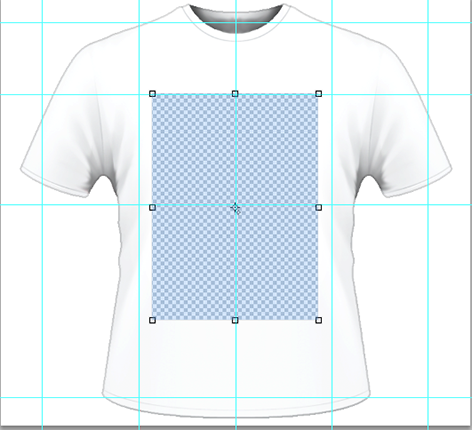
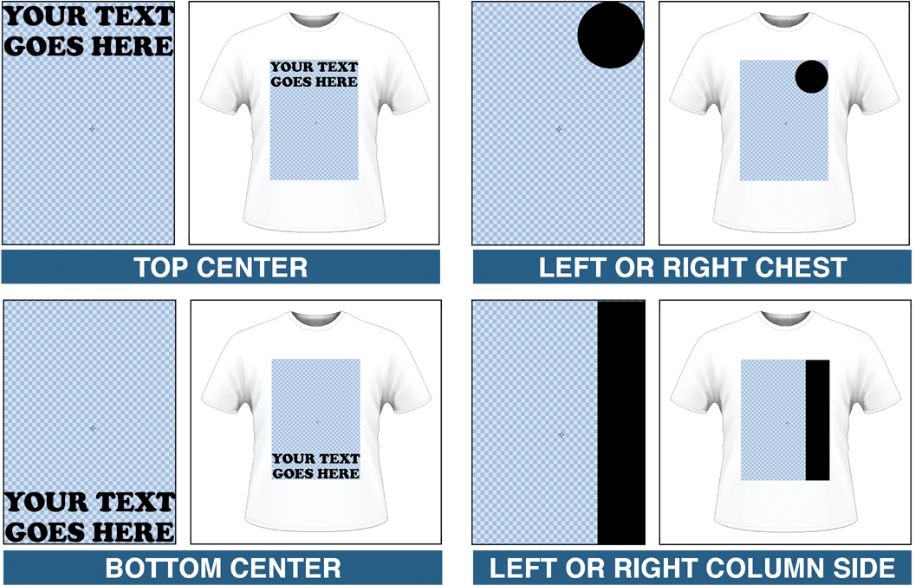
Photoshop Setup Tutorial

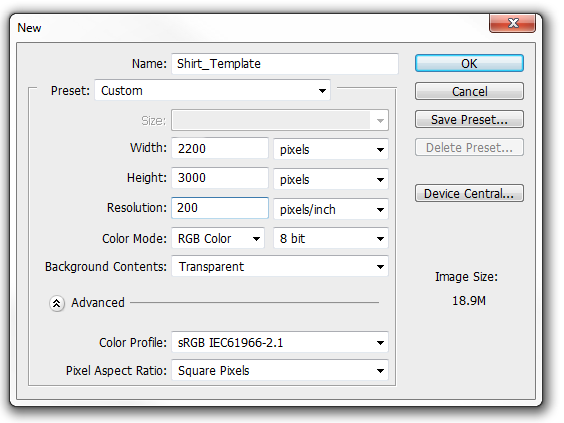
File Setup In Adobe Photoshop
- Dimensions should be 11" x 15" inches (2200 x 3000 pixels)
- Image resolution should be set at 200 dpi
- Background: Transparent
- Color Mode: RGB 8bit
- Color Profile: sRGB
- Pixel Aspect Ratio: Square Pixels
- Save your final image file as PNG format
To Save As PNG:
Click FILE > SAVE AS > FILE FORMAT > PNG* File will automatically Save As A Copy to enable transparent layers. Click OK and then select PNG Option > None.